A Practical Guide to AI Life Hacks, SaaS Workflows, and Productivity Systems
Introduction
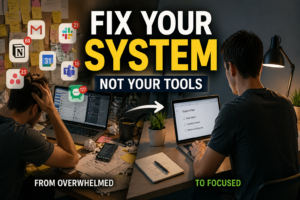
A week ago, I wasn’t looking for another productivity system.
I was looking for a way to reduce friction.
My daily routine wasn’t broken — but it was inefficient.
Too many small decisions, repetitive tasks, and unnecessary context switching.
So I tested a simple idea:
👉 Use AI tools intentionally for 7 days and track what actually improves.
Not theory. Not hype.
Just real workflows.

Why AI Actually Works in Daily Life
From a SaaS perspective, AI is not a feature — it’s a layer of execution efficiency.
Instead of replacing your work, it:
- Reduces repetitive cognitive load
- Compresses decision-making time
- Converts unstructured tasks into structured outputs
In practice, that means:
- Less time thinking what to do next
- More time executing meaningful work
The System I Used (Minimal SaaS Stack)
I avoided complexity on purpose.
Core stack:
- Google Calendar → time structure
- ChatGPT → thinking + drafting
- Notion → knowledge + organization
- Zapier → automation layer
👉 This is enough to replace 70% of daily friction.
Day 1–2: Friction Before Optimization
The first two days were not efficient.
- Prompts were unclear
- Outputs needed correction
- Switching between tools felt unnatural
This is where most people quit.
But one insight changed everything:
👉 AI performance is directly proportional to input clarity.
Day 3–4: Workflow Stabilization
Once I standardized how I used AI, results improved quickly.
1. AI-Powered Morning Routine
Instead of manually scanning everything, I ran a simple prompt:
“Summarize today’s schedule and identify the 3 highest-impact tasks.”
This eliminated unnecessary decision-making.
2. Writing Shift: From Creation to Editing
Previously:
- Start from zero
- Overthink structure
Now:
- Generate draft → refine → finalize
This alone reduced writing time by 40–50%.
3. Reduced Context Switching
Instead of jumping between tools:
- Summary → AI
- Rewrite → AI
- Clarification → AI
👉 One interface replaced multiple interruptions.
Day 5–7: Measurable Results
This is where the system proved itself.
✔ Time saved: 1–2 hours per day
Not from one feature —
but from eliminating micro-inefficiencies.
✔ Cognitive load decreased
Fewer decisions → more execution
✔ Workflow consistency improved
Less friction = more repeatable routine
Practical AI Life Hacks (What Actually Works)
Now integrating your original framework with real usage:
1. Start Your Day with AI Prioritization
Use AI to:
- Summarize schedule
- Identify top 3 tasks
- Block focus time
👉 This replaces reactive planning with proactive execution.
2. Write Faster and Better
Use:
- ChatGPT → drafts
- Grammarly → refinement
👉 Key shift:
Draft first, optimize later
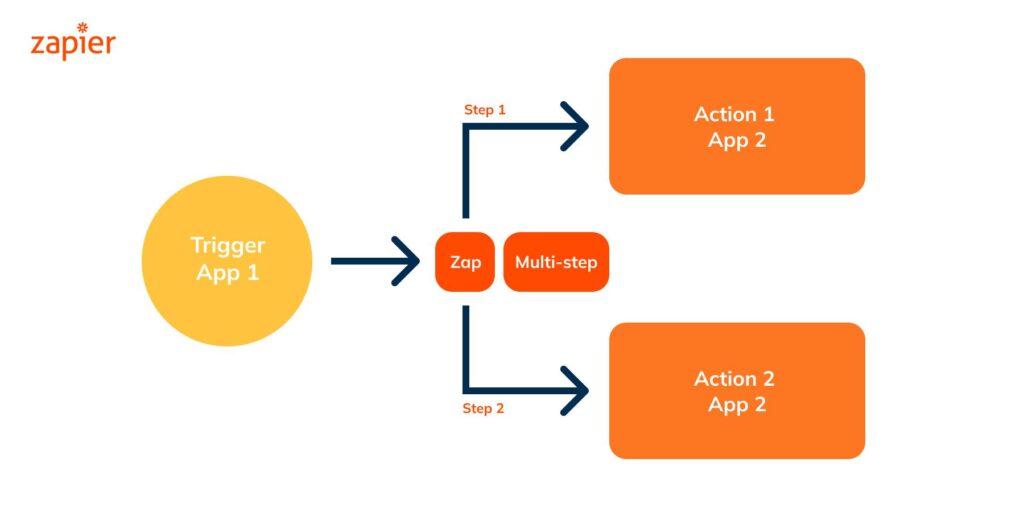
3. Automate Repetitive Tasks
Use:
- Zapier
- Make
Example:
Form → Database → Notification
👉 Small automation = compound time savings
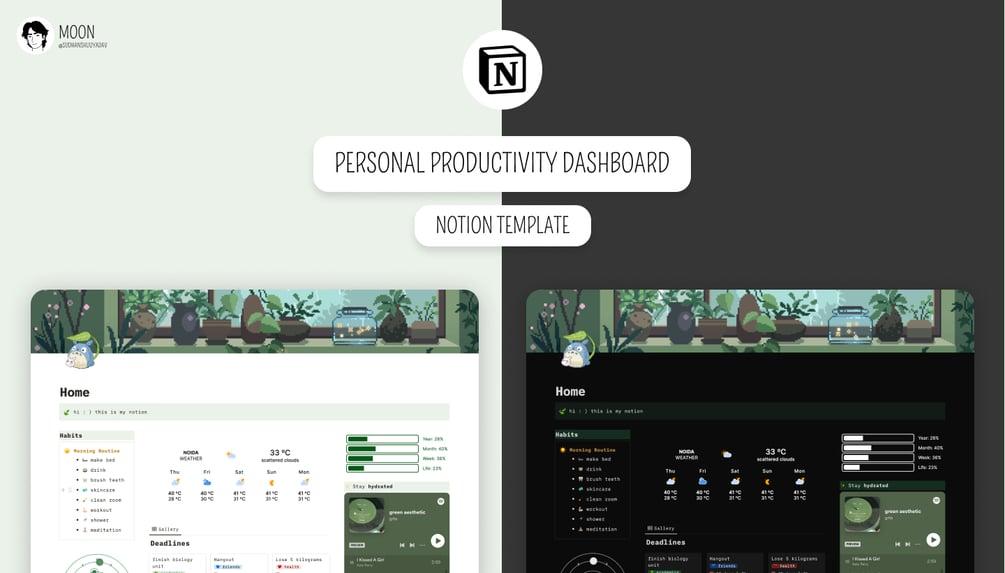
4. Organize Information Systematically
Use:
- Notion
- Readwise
Structure:
👉 Topic → Summary → Action
This transforms passive reading into active execution.
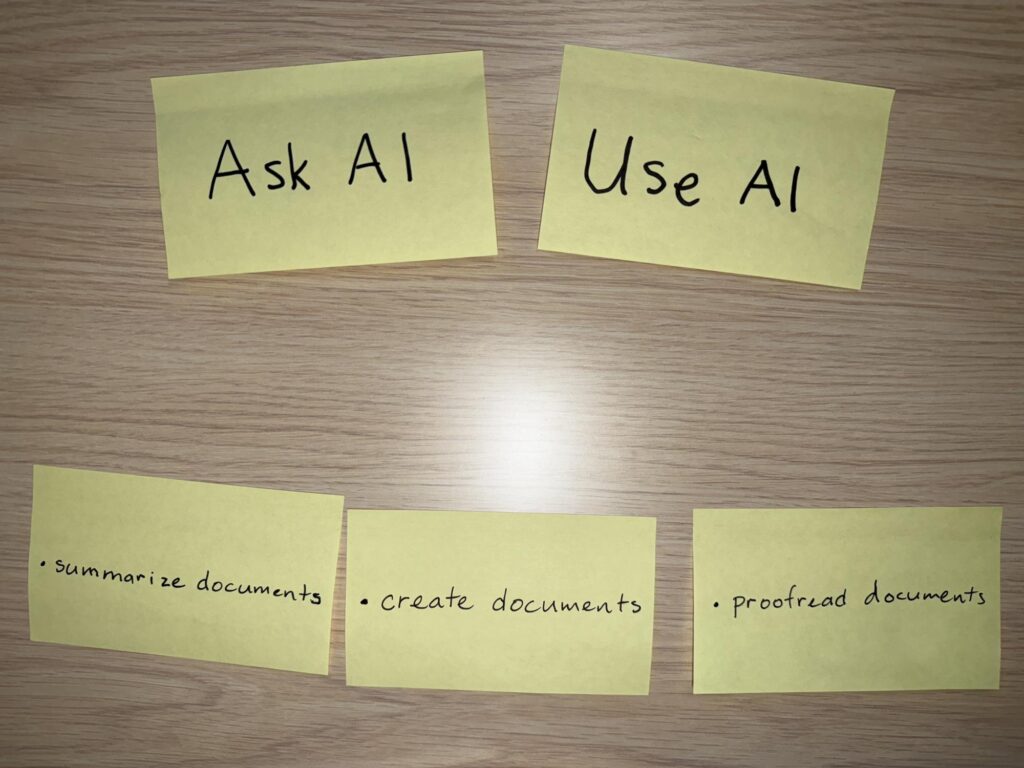
5. Learn Faster with AI
Instead of consuming content:
- Summarize
- Generate questions
- Apply immediately
👉 AI compresses learning cycles.
6. Manage Finances with AI Awareness
Use:
- Mint
Not for automation — but for clarity.
👉 Visibility drives behavior change.
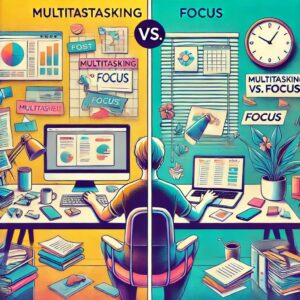
7. Reduce Screen Time and Improve Focus
Use AI selectively:
- Filter information
- Prioritize tasks
- Reduce noise
👉 AI is not for more input — it’s for better filtering.
How to Choose the Right AI SaaS Tools
From a SaaS evaluation standpoint:
1. Workflow compatibility
Does it integrate into your existing system?
2. Output reliability
Consistent results > advanced features
3. Cost efficiency
Avoid stacking unnecessary subscriptions
4. Learning curve
If it slows you down, it’s not worth it
Common Mistakes (Observed in Practice)
- Over-automation
- Tool overload
- Poor prompt structure
- Blind trust in outputs
👉 AI amplifies clarity — not confusion.
Recommended Beginner AI Stack
Start simple:
- Google Calendar
- ChatGPT
- Notion
- Zapier
👉 This is a complete operational system.
Final Insight
AI didn’t change what I do.
It changed how smoothly I do it.
That difference matters.
Conclusion
You don’t need a complex system.
Start with:
- One AI habit
- One automation
- One improvement
Give it a week.
You won’t go back.
If you want to build a stronger foundation beyond AI tools, it’s worth focusing on your core habits and routines.
Recommended Reading
Explore more articles about AI-powered productivity, daily routines, focus systems, mental clarity, and practical ways to use AI in everyday life.
I Tried Successful People Habits for 7 Days
Discover which productivity habits actually improved focus, discipline, and mental clarity in real life.
Productivity10 Daily Productivity Tips That Work
Simple systems and routines that help reduce overwhelm and improve daily efficiency.
FocusWhy I Can’t Focus Anymore
Understand how digital overload, multitasking, and dopamine habits affect modern concentration.
ActionHow to Stop Procrastinating and Start Working
Learn how to use systems, structure, and momentum to overcome procrastination consistently.
External References
- Microsoft: Building Better Habits with AI — How AI tools can improve accountability, motivation, routine planning, and long-term habit formation.
- Atomic Habits by James Clear — One of the most influential frameworks for creating sustainable routines and productivity systems.
- Deep Work by Cal Newport — A practical framework for improving focus, reducing distractions, and protecting deep work time.
- Reddit: AI Daily Routine Discussion — Real-world examples of how people use AI to organize tasks, prioritize work, and reduce mental overload.
You May Also Like